One computer,
on every screen
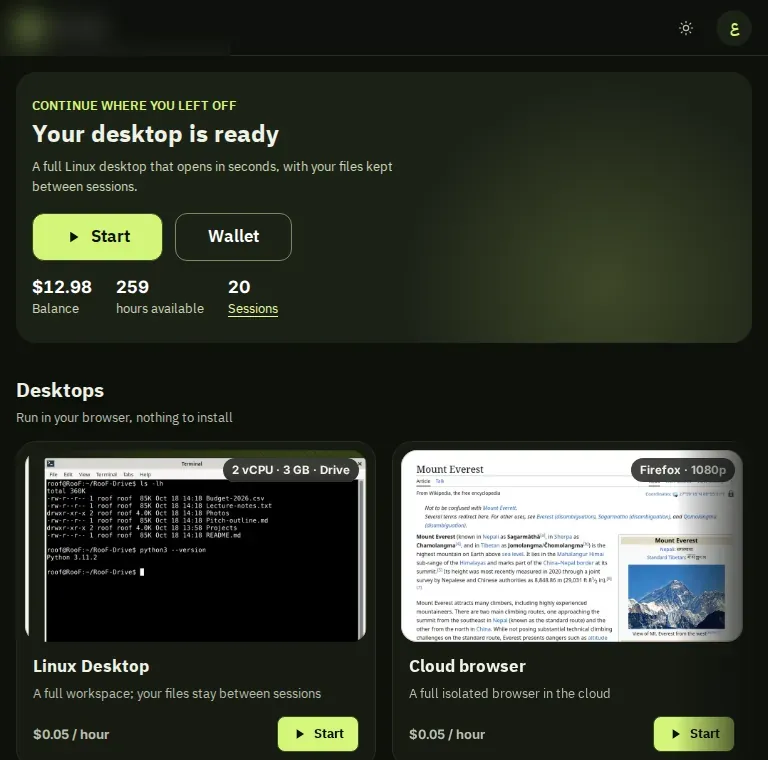
Open RooF from the browser on your phone, tablet, computer or TV. Same cloud computer, same files.
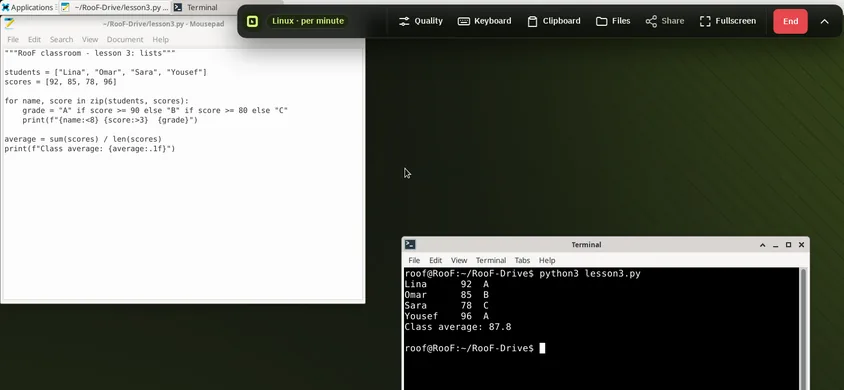
A full desktop in your pocket
Turn the phone sideways for the clearest picture; the toolbar moves to the bottom and the keyboard appears on demand.
- On-screen keyboard
- Zoom for small text
- A hint to rotate to landscape
Touch, and more room
The larger screen makes the desktop comfortable for reading and writing. Pair a Bluetooth keyboard if you like.
- The full app: library, balance, rooms
- Device keyboard or an external one
- Runs in the browser, no store app
Even old machines
All processing happens on our servers, so a modern browser and a steady connection are enough.
- Full mouse and keyboard
- Fullscreen in one click
- 1080p streaming up to 60 fps in our test
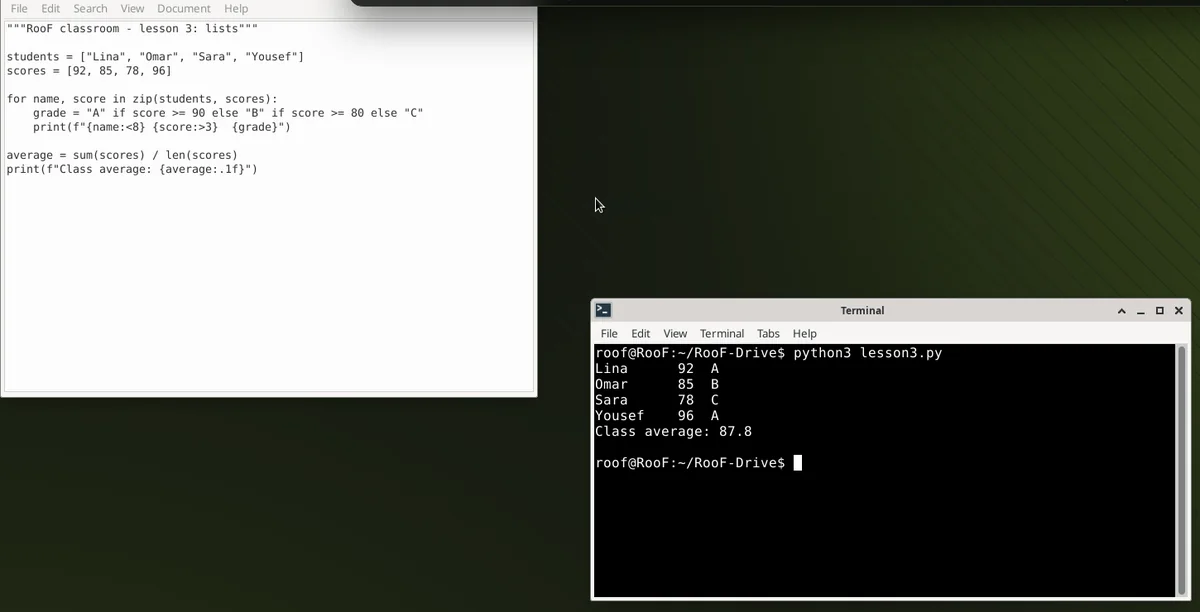
From the couch
In a TV browser the type grows and a clear focus ring appears, so you move with the arrows and the OK button.
- Larger type on wide screens
- Remote-control arrow navigation
- Plug in a USB keyboard or mouse to work
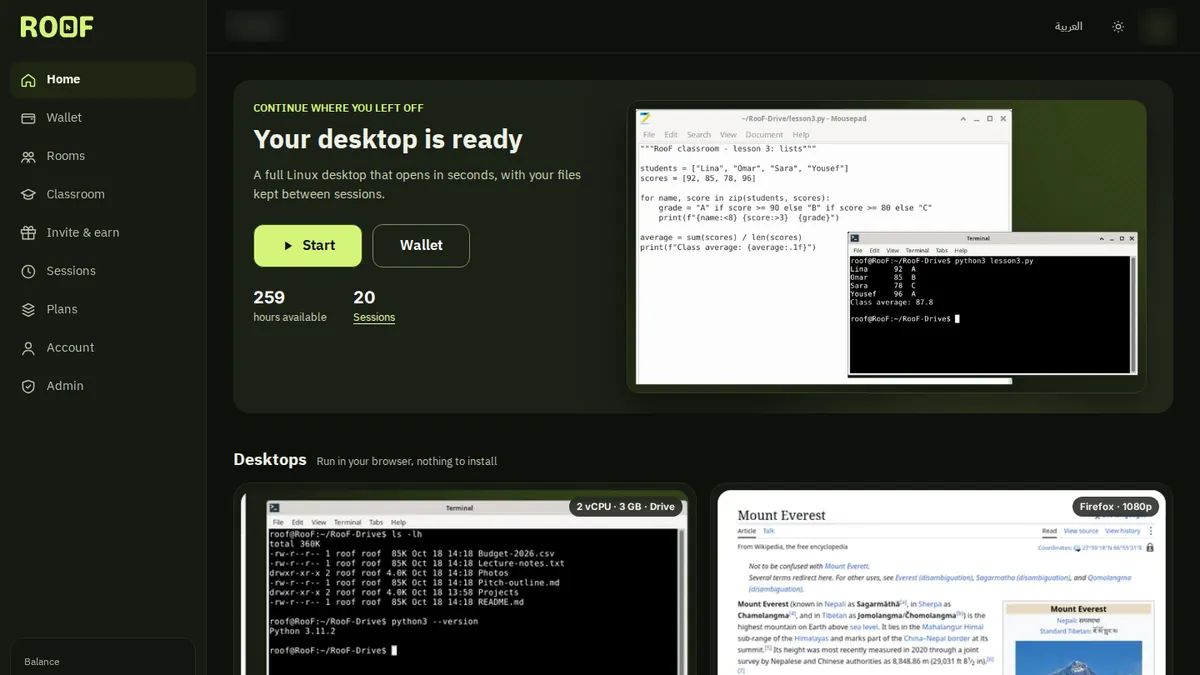
Just three things
A modern browser
A recent Chrome, Edge, Safari or Firefox.
A steady connection
The steadier the connection, the smoother the picture; pick Saver on weak networks.
An account or a trial
Try 3 minutes without an account, then create a free one to keep your files.

Your next computer isn’t at home
A full computer in seconds, with no card and nothing to install.
Sources for these numbers
- Internal 10-minute stream test, 18 Oct 2026: mean 59.95 fps at 1080p
- Internal measurement, 18 Oct 2026: trial session connect time from the browser